Use casesFamilies

The family's photos in one place, on a computer at home.

Everyone gets their own account and their own library. You decide what to share with whom: an album, the photos of one person, or everything. Faces, places, events and memories are worked out on your own machine.

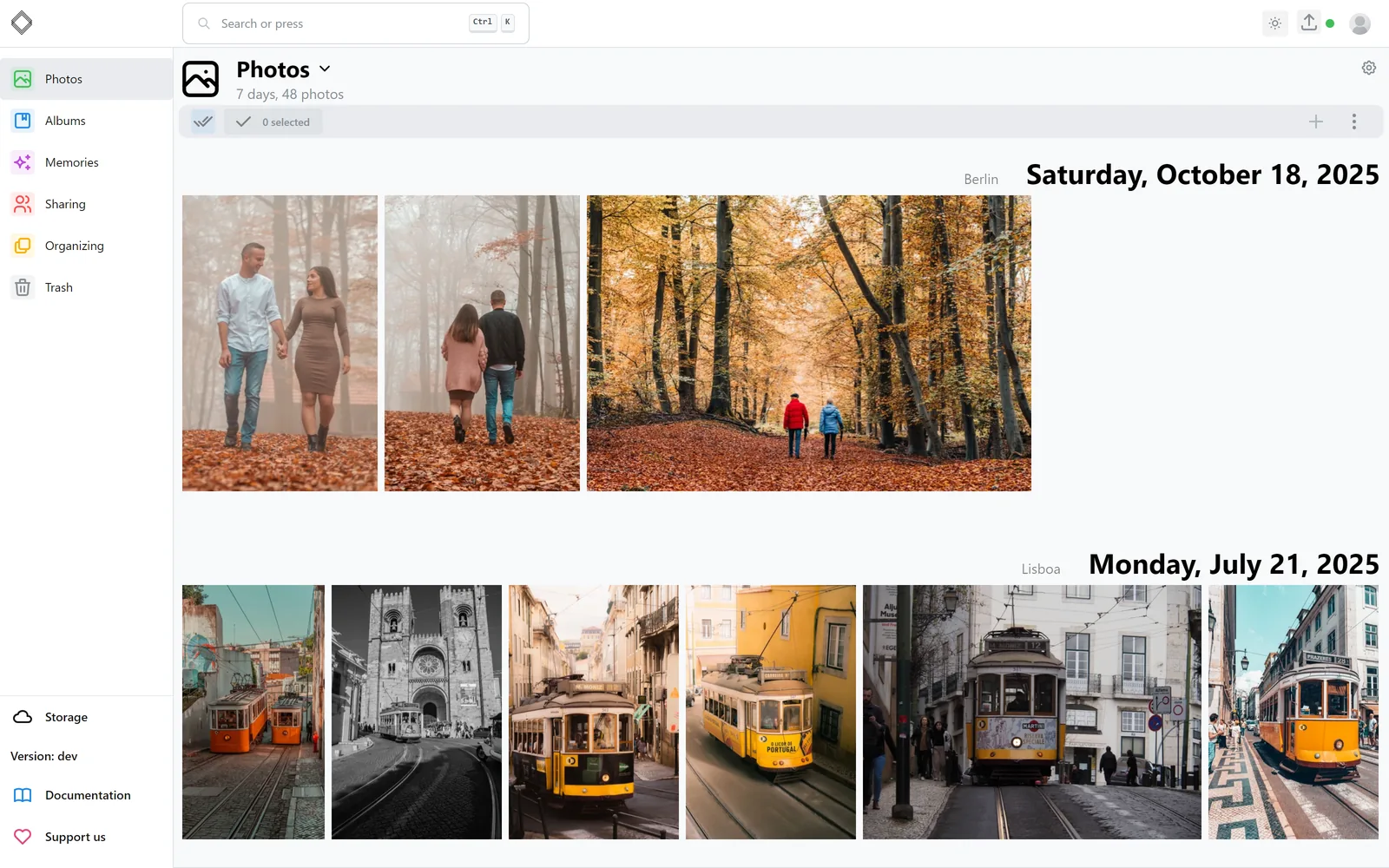
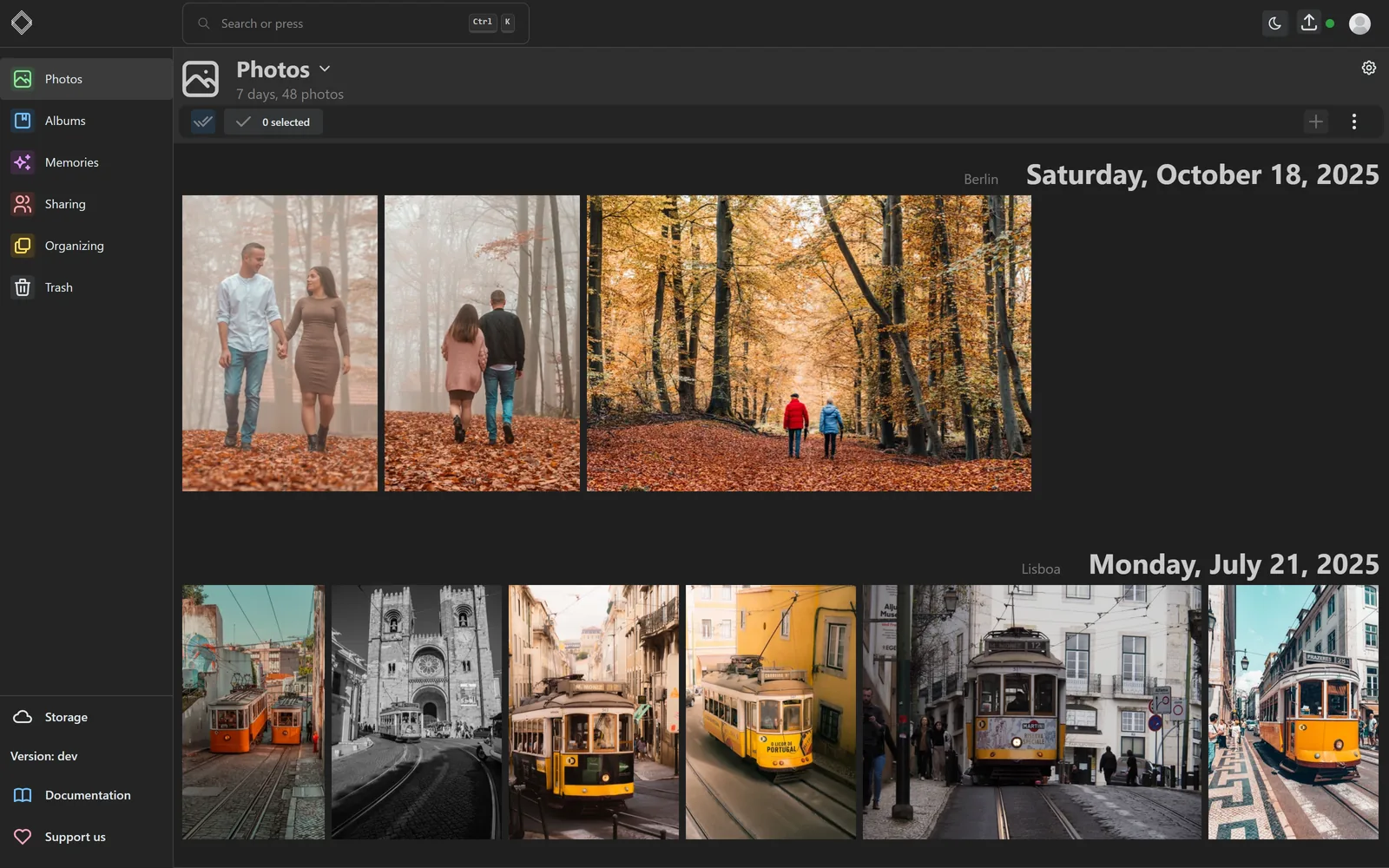
Timeline of a sample library: the Memories strip, then photos grouped by day, newest first, with the place of each dayTimeline of a sample library: the Memories strip, then photos grouped by day, newest first, with the place of each day

Sound familiar?

What families run into, and what LibrePhotos does about it. One thing first: LibrePhotos has no released phone app of its own yet. Read what it does not do yet before you decide.

Our photos are spread over four phones and two laptops.

A library for each person, on one server

An admin creates an account for each person, each with their own folder, or lets LibrePhotos make a folder for every new user. Photos get in by drag and drop in the browser, or by any tool that copies them into that folder, and a scan on a schedule picks them up.
I want my partner's photos of the kids in my timeline. Not their screenshots.

Share a whole library, or one person

Share your library with your partner, choose what they see, and they can turn on Show in my timeline. Or share one Person, such as your child: the others see only the photos where you labelled that face and approved it for sharing.

We both took photos at the birthday. Now they are in two places.

Albums others can add to

Give someone Can add photos on an album and they add photos from their own library to it. Nothing is copied, every photo stays its owner's, and everyone in the album can comment and like.

Grandma does not want another account. She wants the pictures.

Links, slideshows and QR codes

A public link to an album opens in any browser, with an expiry date if you like, and a slideshow link plays it full screen. Not released yet (comes after 1.6.0) Every public link also gets a QR code to scan from the screen.

Where is the photo of Grandpa at the lake? It was years ago.

Find people and places

Faces are grouped into people for you to name, and photos with a position get place names. Search by a person's name or a town. Searching by what is in a photo, such as "dog in the snow", works once you turn on semantic search in your settings.

We take thousands of photos and never look at them again.

Memories, events and a yearly Rewind

The Memories strip above the timeline shows what you took on this day in earlier years. Events group a day out into an album named after when and where it happened. Around Christmas, each person can look back at their year in photos in Rewind.

Everything we have is in Google Photos.

Bring a Google Takeout export

Put the unzipped export in your folder. The scan reads the JSON files Google adds, so dates, locations and descriptions that only Google Photos knew come along.

Some photos are nobody else's business.

Private until you share

Every photo belongs to one person, and others only see what that person shares. Hidden takes a photo out of every view, and Archive takes it off the timeline and memories.

On a phone

The web app works in the phone's browser

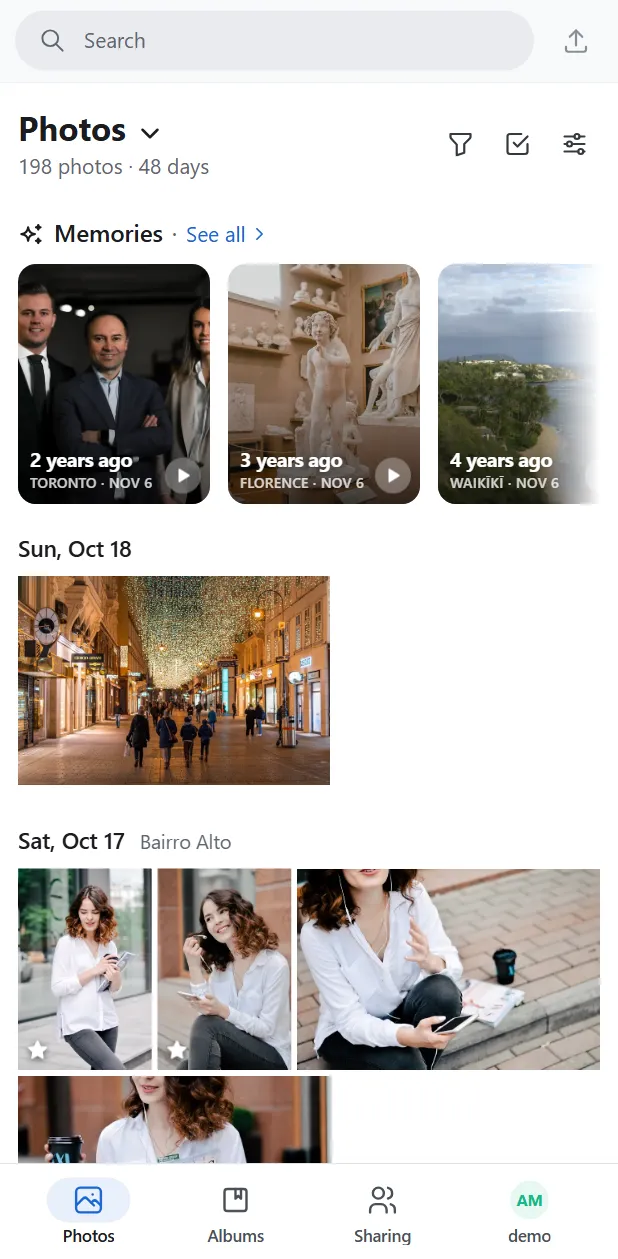
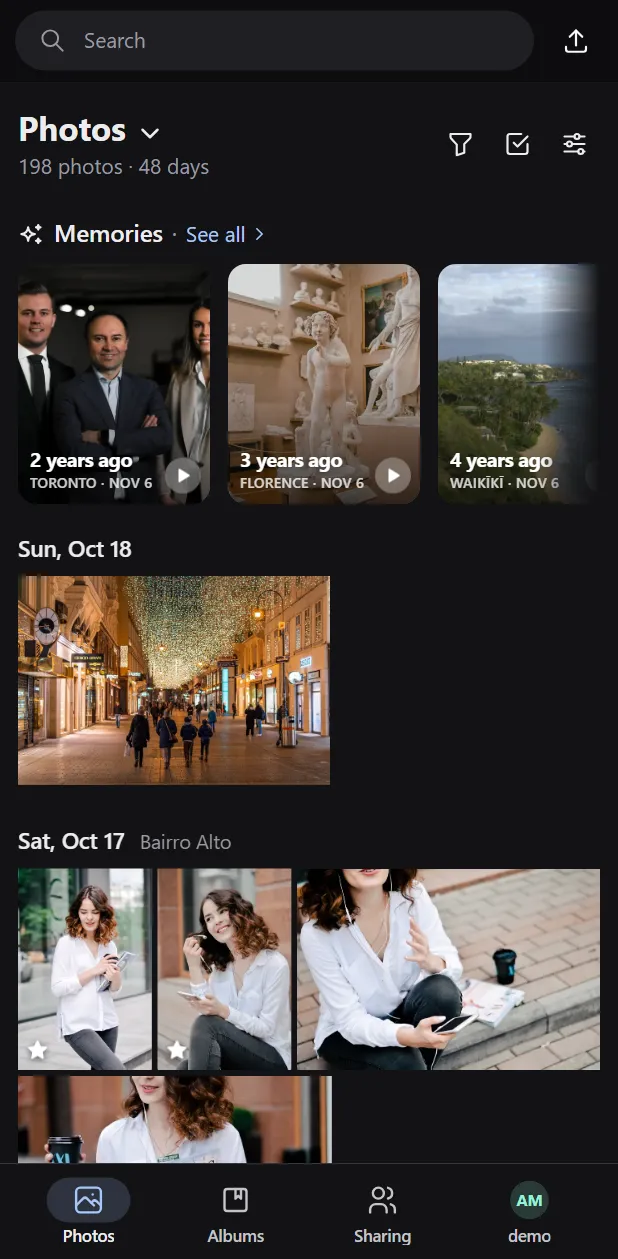
Until the official app is released, everyone in the family can open LibrePhotos in the browser of their phone or tablet. The layout adapts to the screen, with the main pages in a bar at the bottom.

For backup from an Android phone, the third-party app UhuruPhotos can upload to LibrePhotos. It is in open beta on Google Play.

Timeline of a sample library: the Memories strip, then photos grouped by day, newest first, with the place of each dayTimeline of a sample library: the Memories strip, then photos grouped by day, newest first, with the place of each day

A day with LibrePhotos

A Saturday in a household with one shared server.

  1. Morning

    Yesterday's photos are in

    The photos copied from your phone last night are on the timeline: the hourly scan found them in your folder. The Memories strip shows the same weekend three years ago.

  2. Before lunch

    Approve the new photos for the grandparents

    You confirm the face suggestions for your daughter. Her page says three new photos wait to be shared with the grandparents; you untick one and approve the rest.

  3. Afternoon

    One album for the birthday

    Your partner adds their photos of the party to the album you made, and your brother leaves a comment on the cake.

  4. Evening

    Slideshow on the big screen

    You open the album in the browser on the living-room computer and start the slideshow. Grandma gets the link by message and watches at home.

What LibrePhotos does not do for you yet

The limits a family is most likely to notice. Please read these before you move everyone over.

  • No released phone app of its ownThe official LibrePhotos app for Android and iOS is not published yet. Automatic backup from a phone needs UhuruPhotos (Android, third party, beta) or a sync tool that copies into your folder. LibrePhotos has no iPhone app you can install today.
  • No library owned togetherEvery photo has one owner. A shared library that several people change is not possible yet (#395), and people someone shares with you cannot be added to your own People page (#632).
  • Someone has to run the serverLibrePhotos runs on a computer in your home or on a server you rent, and that person does the updates and the backups.
  • No casting to a TVThere is no Chromecast, AirPlay or TV app; a slideshow plays in a browser.
  • No storage limits per personEvery user can fill the disk; there are no quotas.
  • No guest uploads or password linksAdding photos needs an account, and public links cannot ask for a password.

Get started

Install LibrePhotos on a computer that stays on, such as a NAS or a small home server, with Docker. The installation guide recommends 4 GB of memory.

Then create an account for each person and give each one a folder.

Questions

Can two of us scan the same folder?

No. LibrePhotos refuses a scan directory that overlaps another user's. Use one family account for a shared folder, or share between personal libraries. See the FAQ.

Does it work on an iPhone?

In the browser, yes. LibrePhotos has no iPhone app to install yet, and UhuruPhotos is for Android only. Photos from an iPhone can reach LibrePhotos by upload in the browser or through a sync tool that copies them into your folder.

Can I run it on the family PC with Windows?

There is a Windows program that needs no Docker. It is meant for one person's library on their own PC; for a server the whole family shares, the guide recommends one of the Docker setups.

Will the children see my private photos?

Only if you share them. Each person sees their own library and what others shared with them. If everyone signs in with one shared login instead, everyone sees everything.

What does it cost?

Nothing. LibrePhotos is open source under the MIT license, with no paid tier. You pay for the computer and the disks it runs on.

Other use cases

All use cases

Screenshots show a sample library. Sample photos from Unsplash and others, see the credits.