Use casesArchivists and family historians

An archive that stays in your folders and in open formats.

For a family archive, a local history collection or the photos of a club. LibrePhotos indexes the folders you already keep, makes them searchable by people, places, dates and the text on them, and can write what you learn about each photo into standard XMP next to the file.

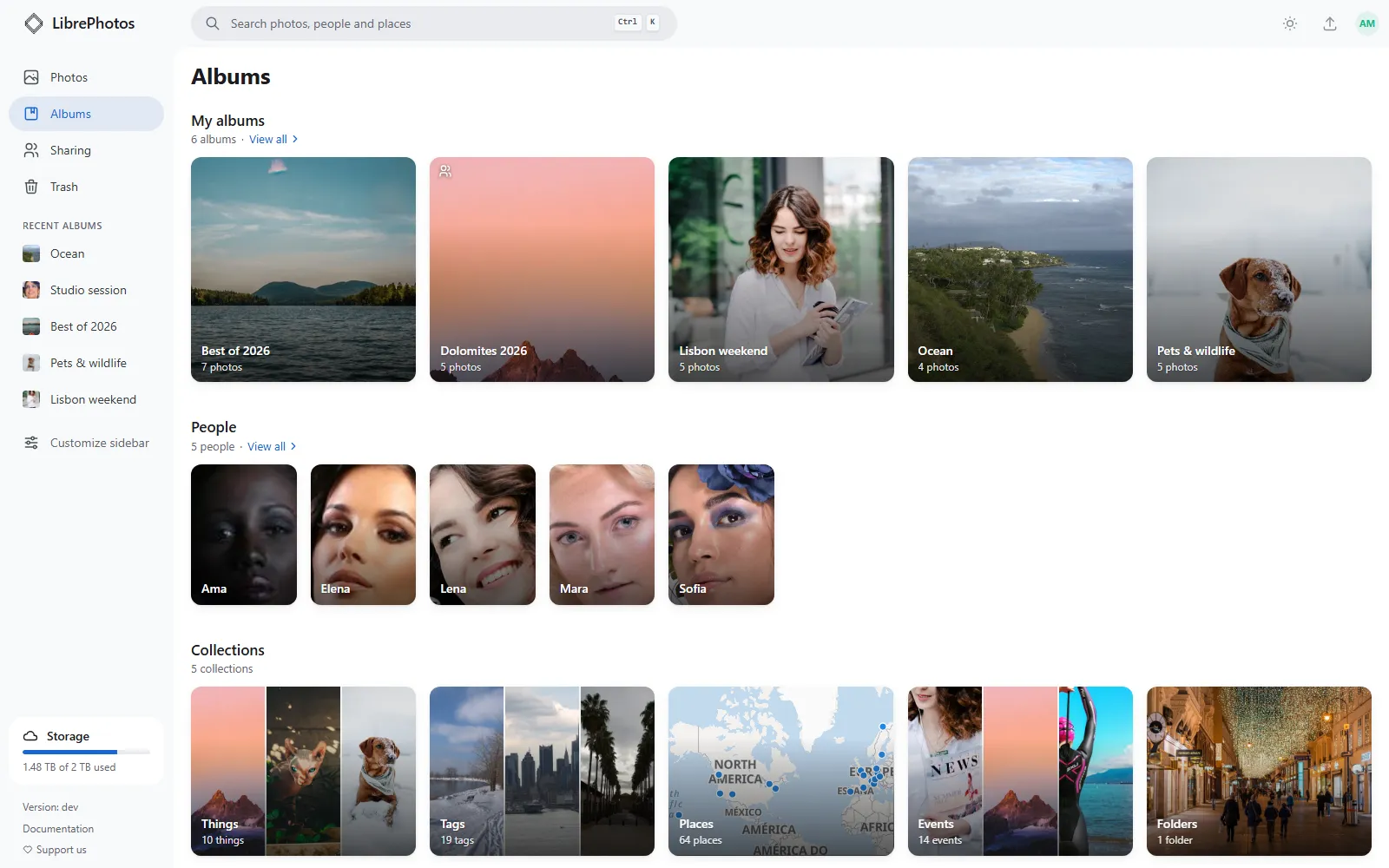
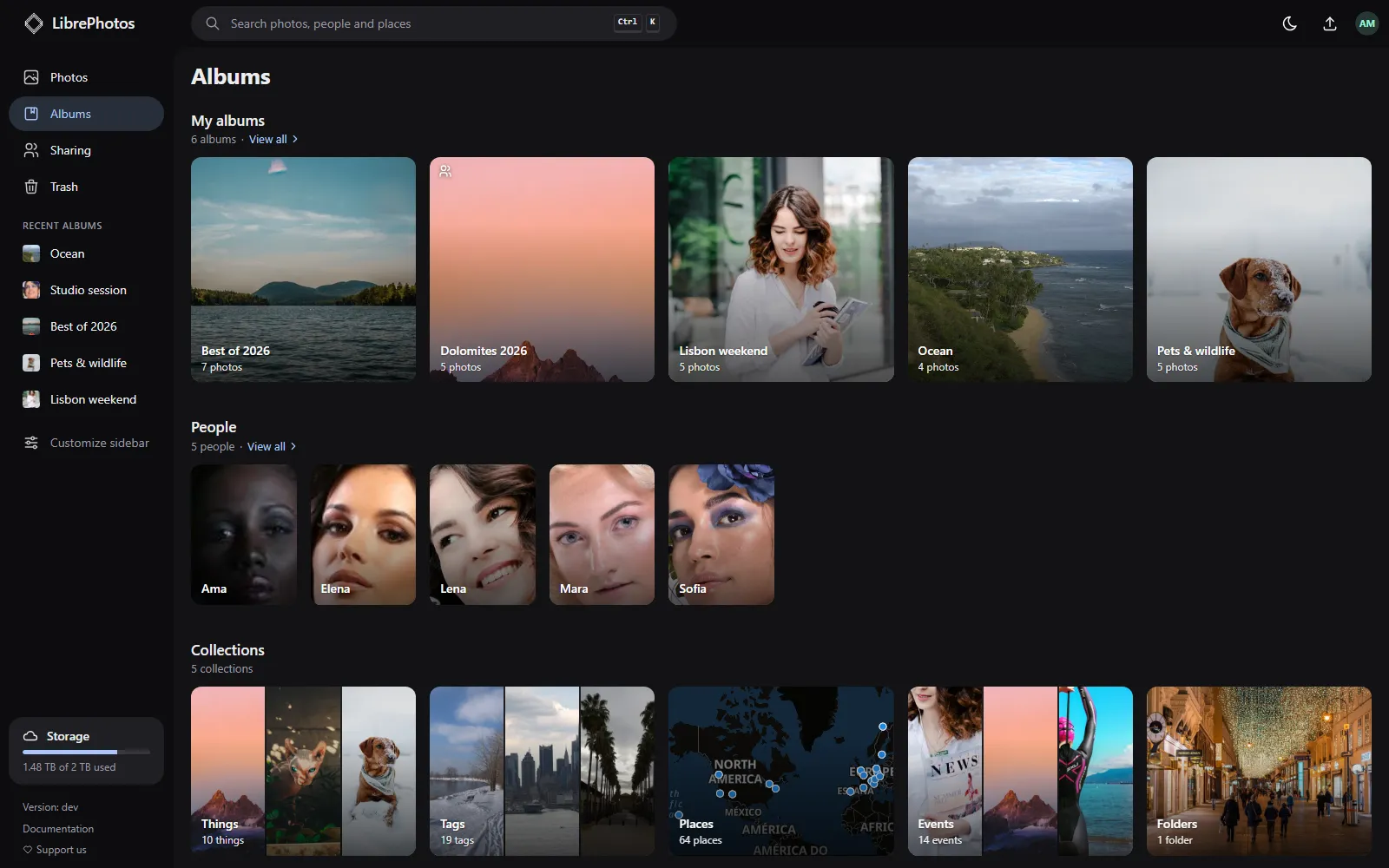
Albums page: your own albums, the people, and collections of things, tags, places, events and foldersAlbums page: your own albums, the people, and collections of things, tags, places, events and folders

Sound familiar?

The questions collections raise, and how LibrePhotos answers each one. Every answer links to the page of the user guide that explains it in full.

The folder structure is the archive. No program gets to rearrange it.

Indexed in place, browsed by folder

A scan reads your folders and never moves, renames or rewrites a file. The Folders view shows the photos in your own directory tree. Files only move when you choose Move to folder or rename them by their date yourself, and a folder on an unplugged disk is skipped, not emptied.

Half of the scans have no date, and the rest have the scanner's date.

Find undated photos and date them in bulk

Without timestamp lists every photo that has no date. Select a box of scans and Change date and time sets one date for all of them, or shifts a set by the same amount. Date rules decide which tag or which part of the file name a date is taken from.

Only my grandmother knew who all these people were.

Faces grouped, named once, kept in the file

Faces are detected and grouped by similarity. You name a Person once and confirm or reject the suggestions, and you can draw a box around a face the scan missed. Names that digiKam or another tool wrote as face regions are read, and with Write face tags to image files your names are written back as standard MWG face regions.

Postcards, letters and clippings: I need to search the words on them.

Text recognition, when you turn it on

Text recognition (OCR) reads the text it can find on your photos, with a model that runs on your server. The text becomes searchable and can be selected and copied in the photo viewer, and it helps tell documents from photos. It is off on a new install: an administrator picks a model first, and only the owner of a photo sees its text.

The descriptions have to travel with the files.

Captions in the file, and suggestions to start from

A caption you type is stored with the photo and, with write-back on, written to the file's description fields. A captioning model on your server can suggest a caption that names the recognised people and the place. The generated caption is kept apart from yours: search finds it, but it only becomes your caption when you click it, and it is never written to the file.

We know where most of these were taken. There was no GPS in 1962.

Set places by hand

Pick a location on the map or paste coordinates, for one photo or a whole selection. Place names are looked up on your own server by default, and a photo with a position appears on the map and under Places.

We have to say who holds the rights to each picture.

Creator, copyright and license

Each photo has a creator, a copyright notice and a license from a fixed list that includes the Creative Commons licenses, CC0 and the Public Domain Mark. Set them for one photo or many, read them from the files, and write them back to XMP with the other edits.

Relatives and researchers should see the collection, not change it.

Share to look, not to edit

Share an album with other users who can only view it, share your whole library read-only, or send a public link with an expiry date. What visitors see of each photo, such as dates, places and names, follows your public sharing settings.

If this program goes away one day, the work must not go with it.

The knowledge stays in standard files

With write-back on, dates, captions, locations, Tags, rights and named faces live in XMP that digiKam and other tools read. A zip download carries the sidecars with their files. LibrePhotos is MIT licensed and runs on hardware you control.

A day with LibrePhotos

A day of work on a box of family prints, from the scanner to a cousin's inbox.

  1. Morning

    Scan the box

    You scan a box of prints into a folder named after it. The next scan of your library adds them, without touching the folder.

  2. Dates

    Give the box its decade

    In Without timestamp you select the new scans and use Set to give them the date written on the back of the album page.

  3. People

    Name the faces

    On the face dashboard the new faces sit next to people you named last week. You confirm the matches and name the one new face your aunt recognised.

  4. Text

    Find the postcard

    With text recognition on, a search for the name of a street finds the postcard that has it printed on the front.

  5. Afternoon

    Write it down once

    You type a caption, set the place and the license. With Save to sidecar on, each change is also written to the XMP sidecar next to the scan.

  6. Evening

    Show the family

    You add the best scans to an album and share it with your cousin's account, who can look but not change anything.

What LibrePhotos does not do for you yet

Things a collection may need that LibrePhotos does not offer today.

  • No approximate datesA date is a day and a time. There is no field for "around 1950" or a year alone; pick a stand-in date and say so in the caption.
  • One owner per photoSeveral volunteers cannot each own and edit the same collection from their own accounts (#395). Use one shared archive account, as in a family account.
  • Flat keywordsKeyword hierarchies keep only their last level, and there is no controlled vocabulary or thesaurus.
  • Titles are read, not writtenA photo's title is read from the file but not written back, and there are no custom metadata fields.
  • Recognised text is stored as plain textThe text from OCR sits unencrypted in the database, including the text of letters and IDs. Think about that before you turn it on.
  • No two-factor sign-inAccounts sign in with a password or through your own single sign-on provider; LibrePhotos has no second factor of its own.

Get started

Install LibrePhotos on a machine that can reach the archive folders, point it at them, and run the first scan. It only reads.

Decide early whether LibrePhotos may write to your files, and whether to use sidecars or the files themselves.

For a server without Internet access, see Offline usage.

Questions

Will LibrePhotos change or move my files?

Not on its own. A scan only reads. Files are written only when you set Write edits to files, and moved or renamed only when you choose to. Deleting a photo moves it to the trash, which stays until its owner empties it unless an admin sets an automatic deletion.

Can several volunteers work on the same collection?

Not as co-owners. A collection can be owned by one shared account that the volunteers sign in to. Other users can be given Can add photos on an album to add photos from their own libraries. See Sharing photos in a family.

Can it run without an Internet connection?

Yes, once the models are in place: download them once and copy them over, as Offline usage describes. Place names come from a database on your server by default, and the map tiles can be switched off.

What happens when the archive disk is not plugged in?

A library folder that cannot be read shows Not found, and scans skip it without marking its photos missing. When a scan would mark a large share of a library missing at once, it stops and asks whether the library is mounted.

Is the generated caption good enough to publish?

Treat it as a draft. It comes from a small model on your server and can be wrong. It becomes your caption only when you click it, and it is never written to your files.

Other use cases

All use cases

Screenshots show a sample library. Sample photos from Unsplash and others, see the credits.