A look around
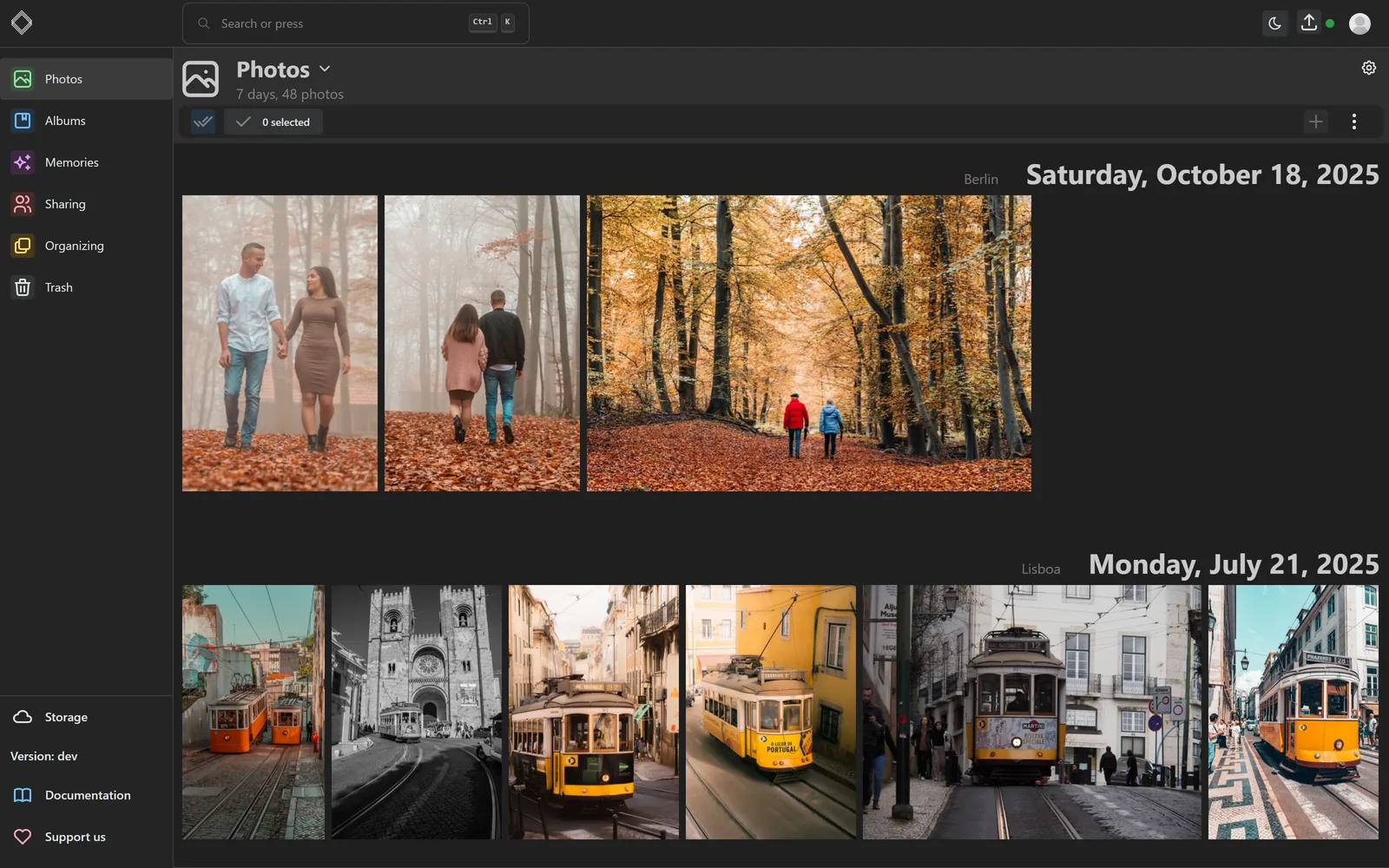
A sample library. The screenshots follow the theme you are reading in.
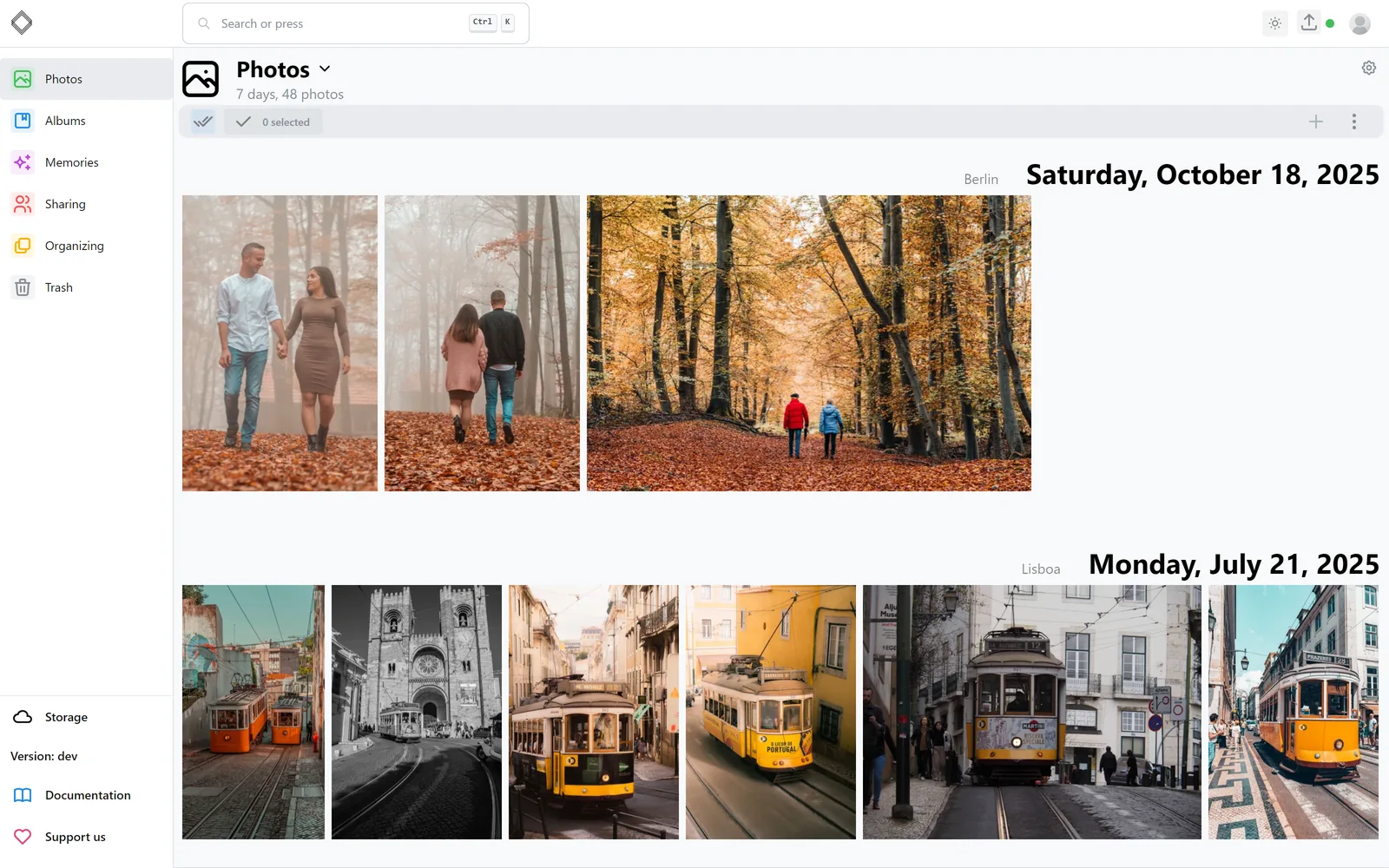
The timeline groups your library by the day it was taken and shows where you were. Scroll years in a flick with the scrubber on the right.
Sample photos from Pexels by ALEKSANDAR PASARIC, Alexander Ruiz, Anna Tarazevich, Anton Kudryashov, Federico Abis, Fernando B M, H.DUNG, Johannes Plenio, Kampus Production, Kevin Schmidt, Kirill Lazarev, Masood Aslami, Naimish Verma, Polina Tankilevitch, Theo Felten, Tima Miroshnichenko, Travel with Lenses, Tutolo Design, Willian Justen de Vasconcellos, Yaroslav Shuraev, karim desouki. Dates and locations were added for the demo.
Start here
Three doors into the documentation, depending on what you came for.
Install
Pick a deployment: a single container, Docker Compose, Kubernetes, Unraid, or the standalone Windows build. Most people are done in ten minutes.
Installation guides →First steps
Point LibrePhotos at your photos, run the first scan, and set up accounts for the rest of the household.
After the first login →Contribute
Get a development environment running, learn how the backend and frontend fit together, and send a pull request.
Development setup →Support the project
No company. No product key. Just people who want their photos back.
LibrePhotos is maintained by volunteers in their spare time. There is no venture money and nothing is held back for a paid tier. If it saves you a subscription, consider passing a little of that on. Sponsorship pays for the hardware the models are tested on and the hours that go into releases.
- MITlicensed, forever
- 0trackers or phone-home
- 100%volunteer built